
Registration
Create a Favy business account - it takes about a minute.
How to Register
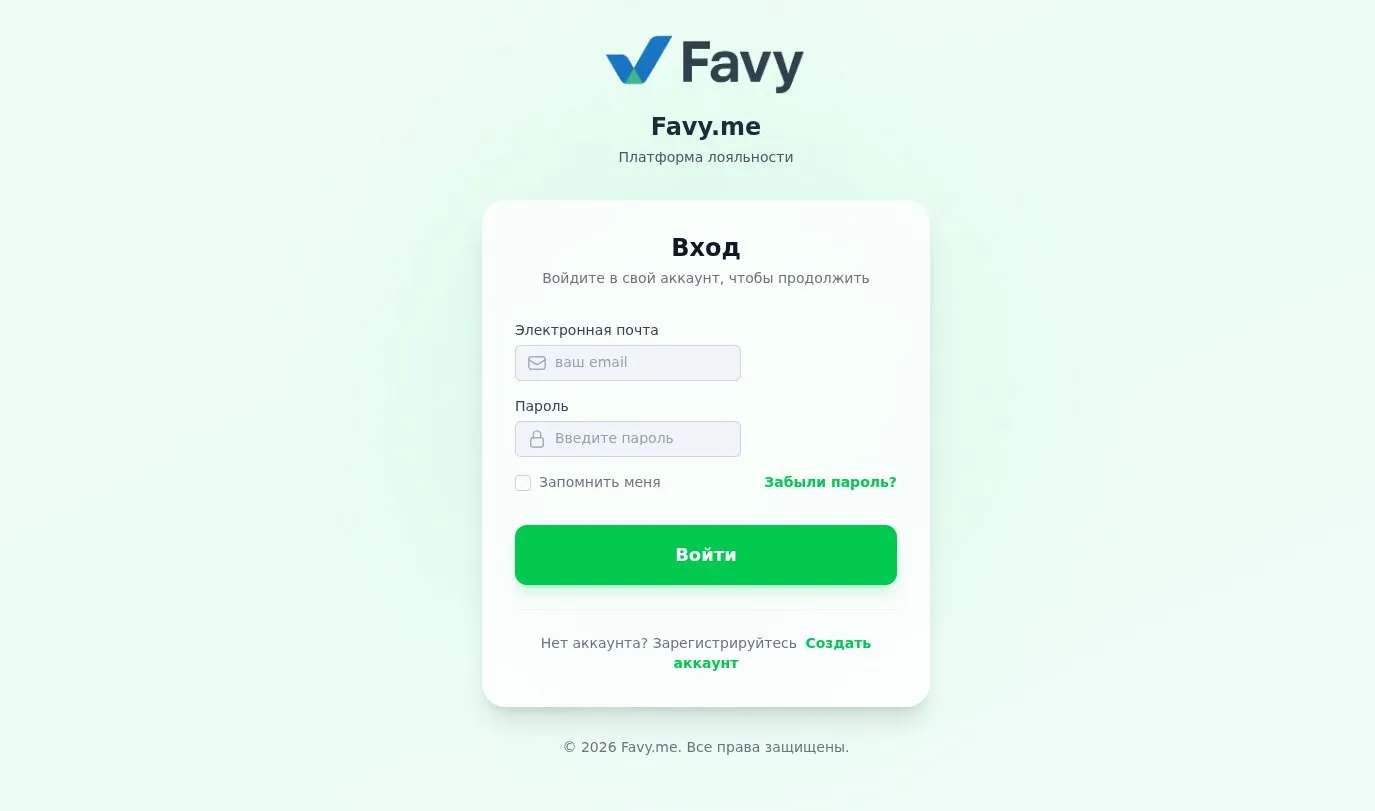
Go to business.favy.me and click "Create Account" at the bottom of the login form.
Fill out the registration form:
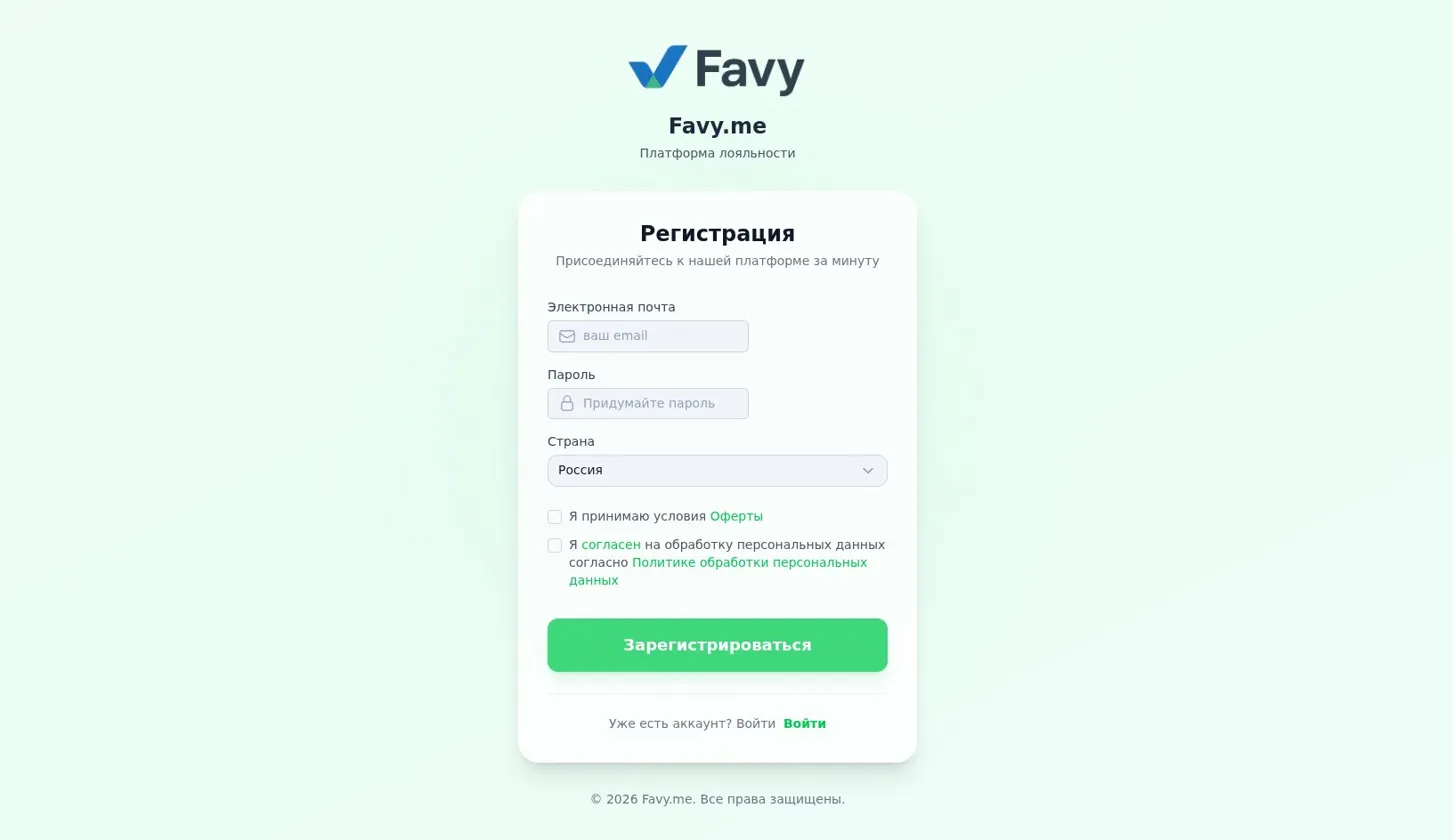
- Email - provide a work email; it will become your login.
- Password - create a strong password.
- Country - select from the dropdown; the default is Russia.
Check both boxes:
- "I accept the terms of the Offer"
- "I agree to the processing of personal data according to the Privacy Policy"
Click "Register".
After successful registration, you will be taken to the platform setup page.
Next Step
Immediately after registration, the Checklist (onboarding wizard) will open. Complete all 6 steps to activate all the platform's features.
Already Have an Account?
Click "Login" at the bottom of the form or go to the Login page.