
Login
Log in to Your Account
Go to business.favy.me.
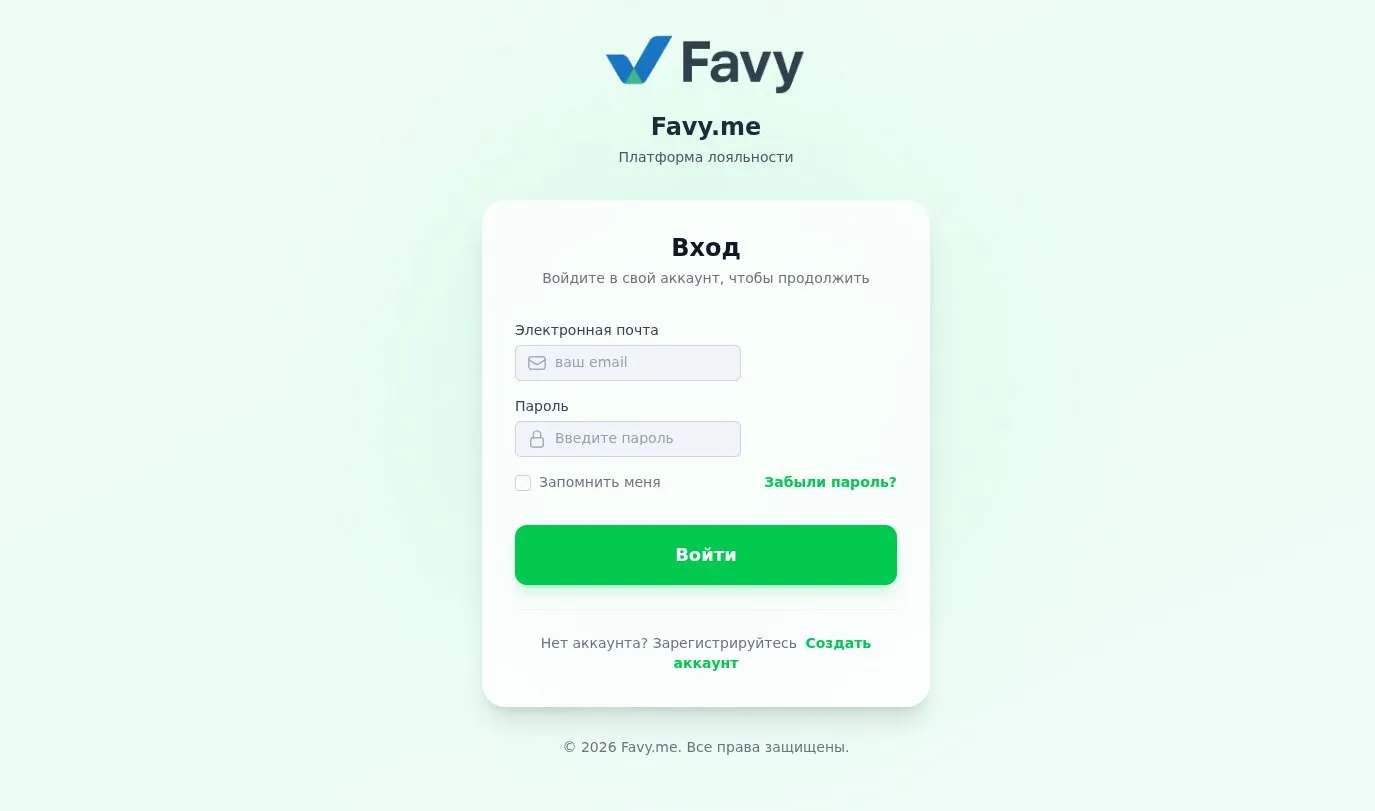
Enter the email and password you provided during registration.
If necessary, check "Remember me" so you won't have to enter your details on your next visit.
Click "Login".
No Account?
If you haven't registered yet, click "Create Account" at the bottom of the form. → How to Register
Password Recovery
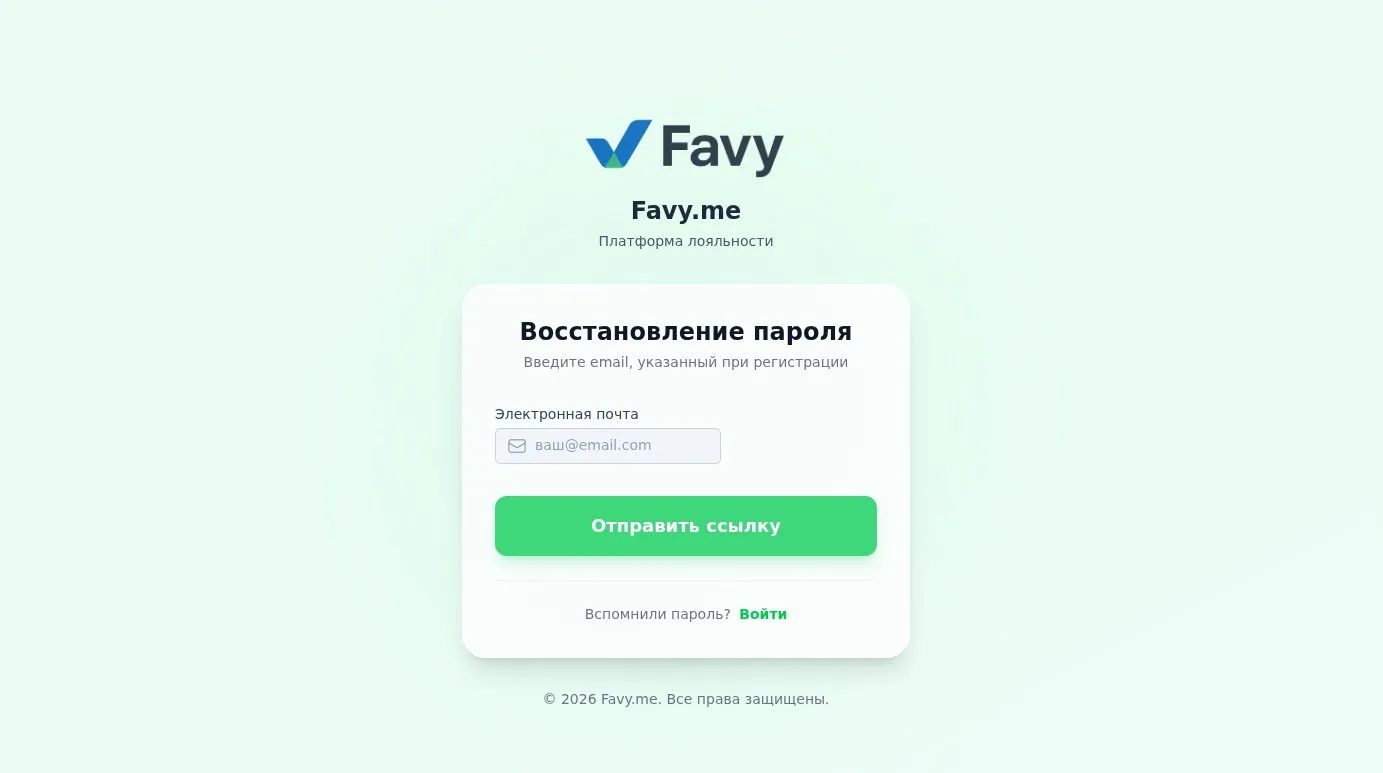
If you've forgotten your password:
- On the login page, click "Forgot your password?".
- Enter the email address you used for registration.
- Click "Send Link".
- Open the email from Favy and follow the link to reset your password.
- Create and save a new password.
Didn't Receive the Email?
If the email doesn't arrive within a few minutes, check your Spam folder. The email is sent from noreply@favy.me.
Remembered your password? Return to the login page by clicking "Login" at the bottom of the form.